|
Details, Actions, and Errors for Outbound Wires |
  

|
Navigation: Getting Started > Handling Outbound Wires >
Details, Actions, and Errors for Outbound Wires
|
Details, Actions, and Errors for Outbound Wires |
|
You can view details in several categories for wires: Detail, OFAC Hits, Action History, Transaction History, Rules Processed, Memos, Documents, Raw Message, Questionnaire, and Alert History. For more information on each of these categories, see the following sections in this user’s guide.
To see the details for a wire:
1.Click on a wire in the list. The Detail tab opens (see the example below).
2.Click on one of the tabs to view other details.
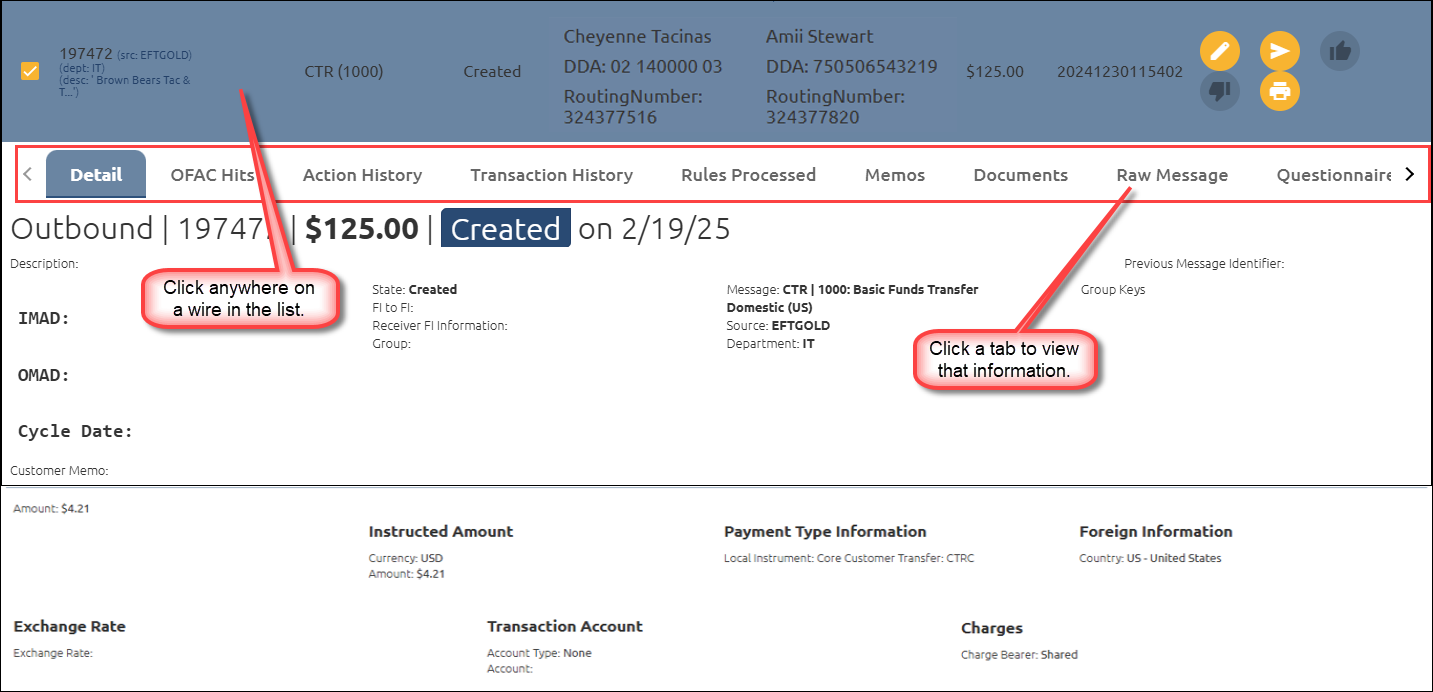
Detail Tab
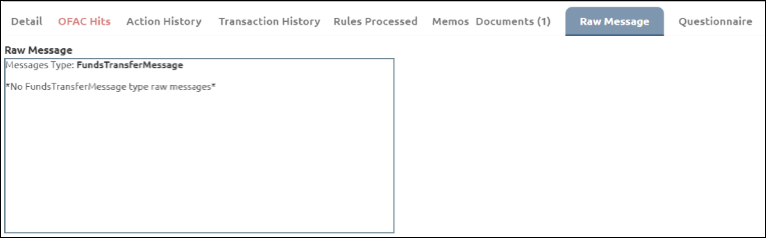
Raw Message Tab