|
System Logs |
  

|
Navigation: Administrative Options >
System Logs
|
System Logs |
|
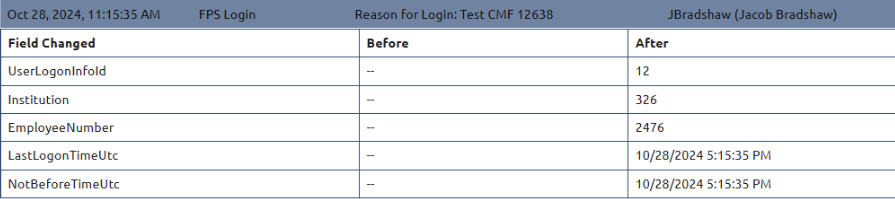
On the System Logs tab, you can view a list of events and who handled them. File maintenance logs show the before and after data, the date, time, and who made the changes.
You can change what shows in the list:
•by selecting or deselecting individual check boxes;
•by clicking <Check All> or <Uncheck All>;
•by searching for text within a date range.
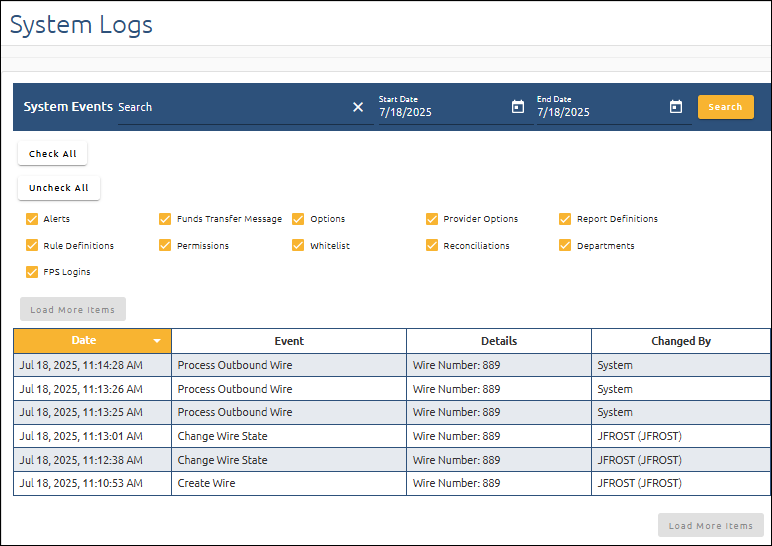
Click on an item in the list to display the details of that event.