|
OFAC Whitelist |
  

|
Navigation: Administrative Options >
OFAC Whitelist
|
OFAC Whitelist |
|
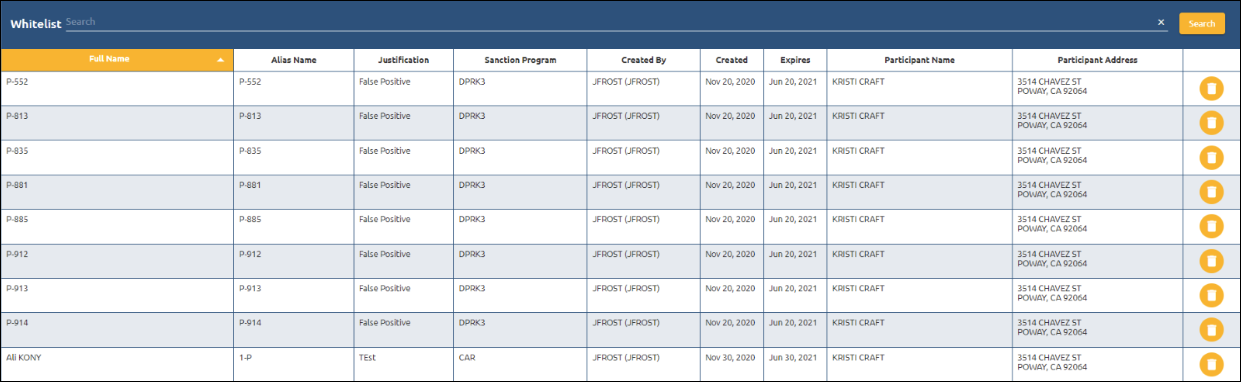
The OFAC Whitelist tab displays all the names that were whitelisted (determined not to be an OFAC risk) while handling OFAC errors on inbound and outbound wires.
These names are kept for the number of days entered on the Options tab under Administrative Options. When the number of days has passed, the names are removed automatically and will be checked on future wires.
You can remove a name from the list by clicking the <Delete> button.