Editing a Profile |
  

|
Navigation: »No topics above this level«
Editing a Profile |
|
Help Desk users can edit their own information.
To edit a profile:
1.Click <Account> and <Profile> at the top right of the dashboard.
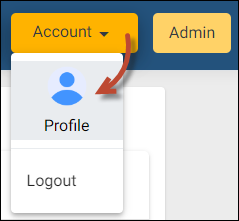
The Customer Contact dialog box opens.
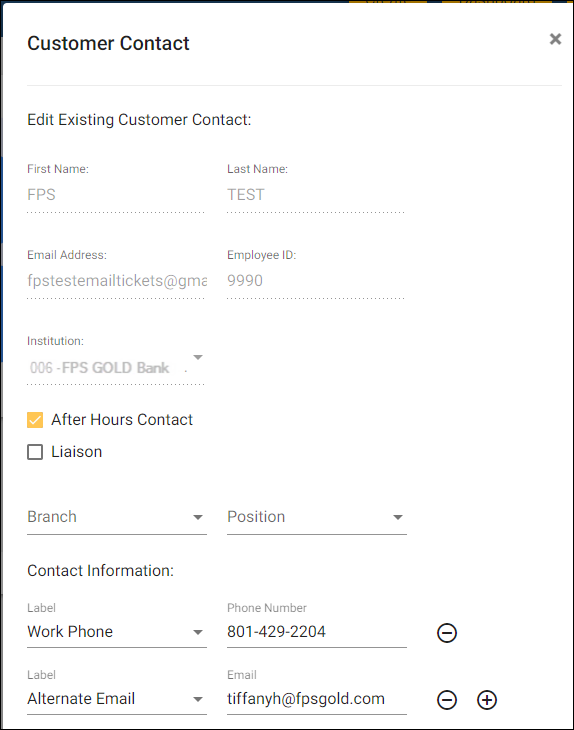
2.Click on After Hours Contact or Liaison to add those functions to this user.
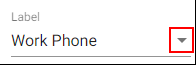
3.On fields with an inverted triangle at the far right, click the triangle to open a drop-down list and select an option. See the example below.
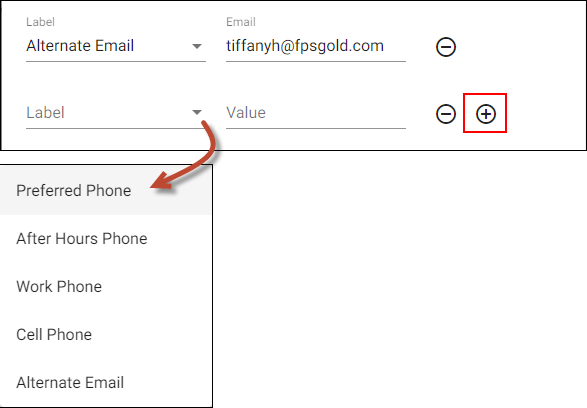
4.If a field has a plus sign to the right, click on the plus sign to add alternate phone numbers or email addresses. See the example below.
5.Click the triangle next to the Label field and select a field label.
6.Enter the appropriate information (such as a phone number) in the Value field.