Printing Tickets |
  

|
Navigation: »No topics above this level«
Printing Tickets |
|
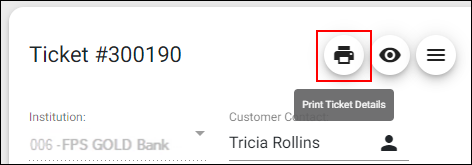
You can easily print tickets using the <Print> button.
To print a ticket:
1.Click the <Print> button on the Tickets screen.
2.Click "Yes" if you want to print the Chat Log, too. In most cases, we recommend that you select "Yes" because most of the information about work done on the ticket is in the Chat Log.