Basic Information |
  

|
Navigation: Customer Profile >
Basic Information |
|
The fields in the Basic Information group are defined below.
Field |
Description |
Customer Name |
This is the full name of the customer. |
Avg. Net Income to FI |
This is the customer's average net income amount for your financial institution. |
Customer Since |
This is the date the customer first opened an account with the bank. |
Notes |
Any notes for this customer are shown here. |
Last Comment |
The last comment added for the customer, if any, is shown here. |
<Flags> button |
This displays the number of customer-level flags associated with the customer. Clicking the button opens a dialog that contains more detailed information. |
<Comments> button |
This displays the number of comments associated with the customer. Clicking the button opens a dialog that contains more detailed information. |
<Relationship Links> button |
This button displays the number of relationships the customer has with other bank customers. Clicking the button opens the Relationship Links box, which displays detail information about existing relationships. |
<Person Detail> button |
Click this button to open the Person Detail screen, which includes details such as address, contact information, ID, credit, employment, and relationships. |
<Online Banking> button |
Click this button to open the Online Banking screen, which includes details about the customer's online banking account. |
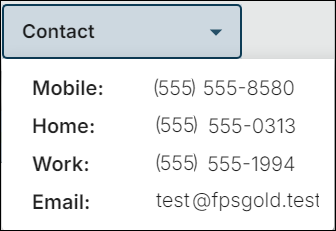
<Contact> button |
Click this button to see the phone numbers and email addresses tied to the person.
|
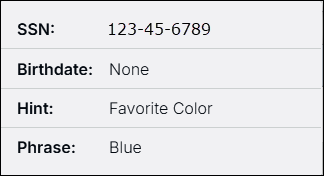
<Identity Info> button |
Click this button to see personal information to help you identify your customer.
|