Customer Profile |
  

|
Navigation: »No topics above this level«
Customer Profile |
|
The CoreView GOLD Customer Profile screen lets you see at a glance a variety of information about the selected customer. This includes portfolio overviews for both deposit and loans, balance information, credit rating, risk grade, and much more. Some security setup must be completed in CIM GOLD before you can use the Customer Profile screen.
This screen contains the following sections:
To use the Customer Profile screen, you first need to find the customer. You can search by person, organization, trust, customer ID, Social Security number, employer ID, location, mailing label, or Web security information.
1.Type all or part of the customer's name or other information in the search bar at the top of the screen. To search for an individual, use the following search format: last name, space, first name.
2.Select from the available customers.
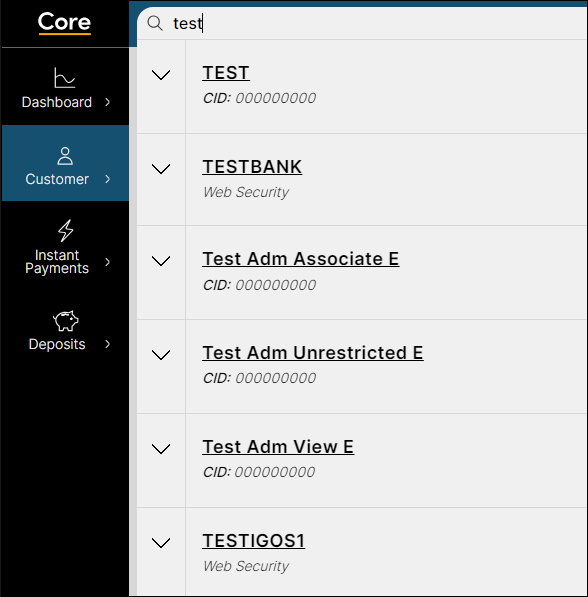
To help you easily view account lists on the tile, some tools are available at the bottom right of the list sections. You can select how many accounts are displayed on the page, and arrow buttons can help you move more quickly through the list. See the following example.
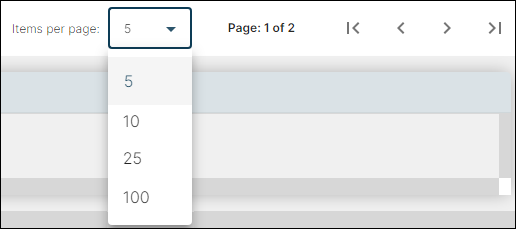
Some Customer Profile sections require an action to see the customer information. For example, to see data in the Deposit Account Summary section, you must first select an account in the Deposit Portfolio Overview section.
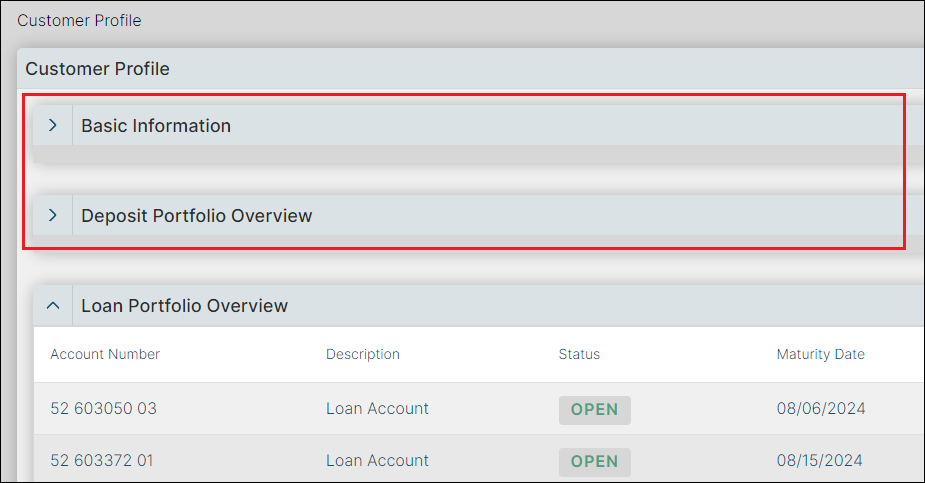
You can conserve space on the screen by collapsing sections you do not need to view. This is done using the  and
and  buttons, as shown below.
Before you can use CoreView GOLD > Customer Profile, security setup must be completed in CIM GOLD for each user.
To set up security to CoreView GOLD > Customer Profile in CIM GOLD:
| 1. | Set the following security in System Profile Membership for each of your users with the appropriate security groups: |
| • | Profile name: AU_SearchResponse_INQ |
| Description: Search |
| Access: Ability to perform searches using the search bar in CoreView GOLD |
| • | Profile name: AU_CIS_INQ |
| Description: CIS Information View |
| Access: Ability to view CIS information |
| • | Profile name: AU_Deposit_INQ |
| Description: Deposit View |
| Access: Ability to view deposit information |
| • | Profile name: AU_Loan_INQ |
| 2. | Set security to allow view access to the following: |
| • | Name information for employee accounts: AU_CIS_Employee_INQ |
| • | Deposit Accounts for marked as employee accounts: AU_Deposit_Employee_INQ |
| • | Loan Accounts for marked as employee accounts: AU_Loan_Employee_INQ |