Find Feature |
  
|
Navigation: App. F - G/L Transaction Entry in CIM GOLD > Transaction Entry Screen Details >
Find Feature |
|
You can find specific information in the Transactions list view (both on the Pending Items or Posted Items tab).
To find information:
1.Right-click the list view and select "Find" or press <Ctrl> + F. The Find dialog box is displayed, as shown below.
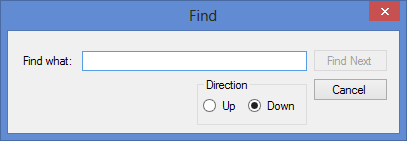
2.Type the data you are looking for in the Find what field.
3.Select the direction you want to the system to search for first in the Direction box. Possible options are Up or Down. The system will search for all occurrences for the data, but it will first search in the direction you indicate.
4.Click <Find Next>. The system will search the entire list view for any occurrences of the data. If the data is found in more than one occurrence, click <Find Next> to view the next occurrence.